
One long video. A stack of captioned vertical shorts.
Paste a YouTube link or another supported public link, or upload a file. VimeoClip transcribes word by word, proposes up to 30 clips ranked best first, reframes to vertical and adds captions. You review every clip before you post.
- up to 30 clips per video
- 16 caption styles
- 9:16 · 4:5 · 1:1 · 16:9
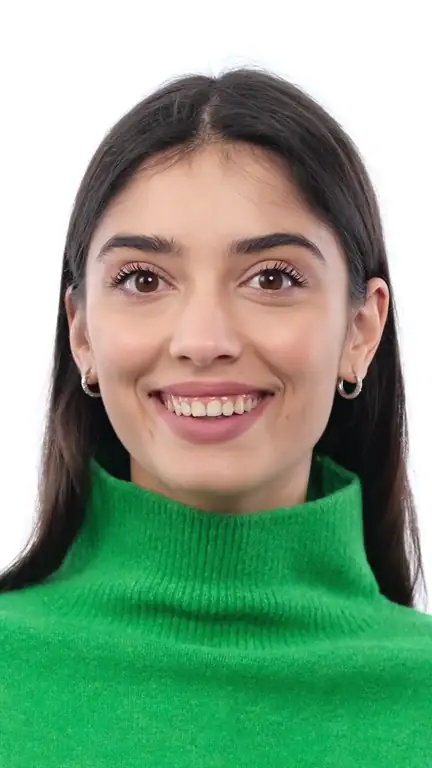
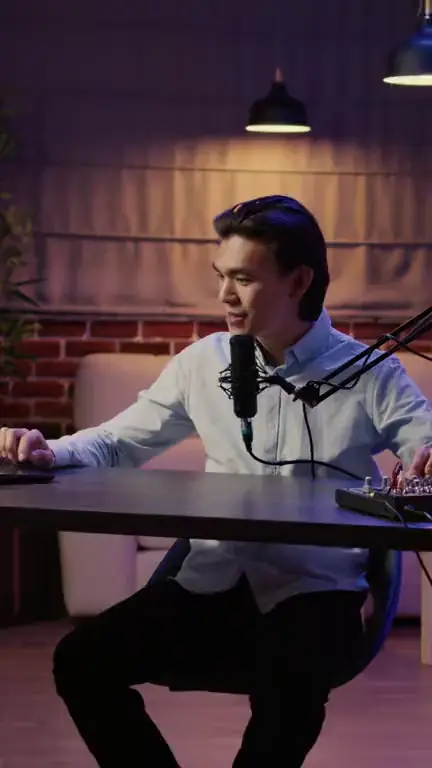
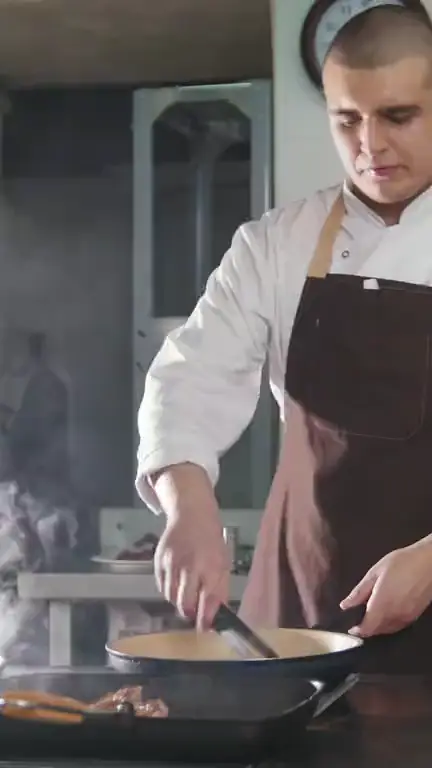
Podcasts, game streams, vlogs, cooking, events
Stock footage from Storyblocks, to show the kinds of video you can bring. These are illustrations, not clips VimeoClip made.
- Talking to cameraIllustration
Talking to camera
Illustration (stock video), not VimeoClip output · Storyblocks
- Podcast host at the micIllustration
Podcast host at the mic
Illustration (stock video), not VimeoClip output · Storyblocks
- Game streamIllustration
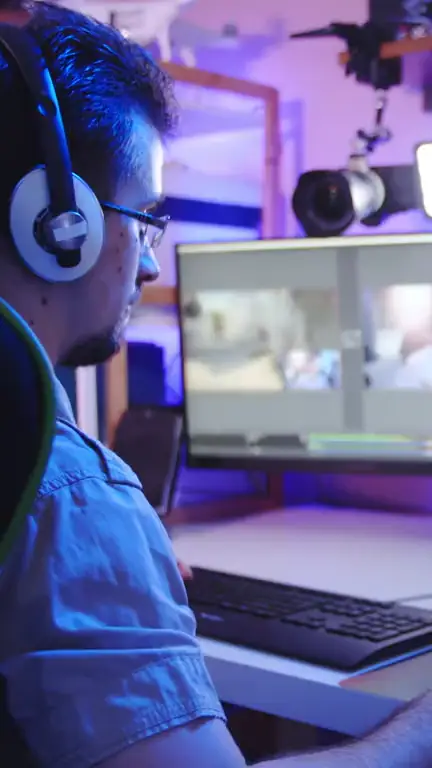
Game stream
Illustration (stock video), not VimeoClip output · Storyblocks
- Selfie-stick vlogIllustration
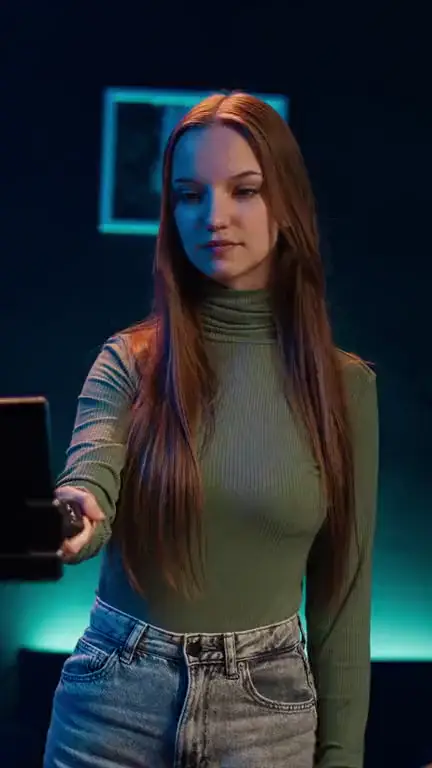
Selfie-stick vlog
Illustration (stock video), not VimeoClip output · Storyblocks
- CookingIllustration
Cooking
Illustration (stock video), not VimeoClip output · Storyblocks
- FitnessIllustration
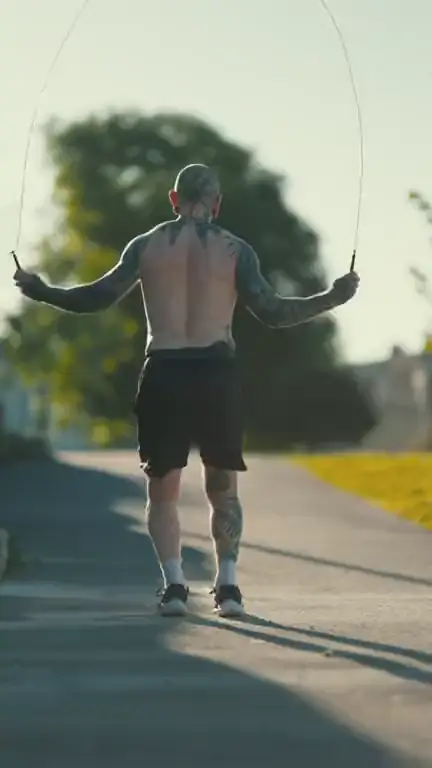
Fitness
Illustration (stock video), not VimeoClip output · Storyblocks
- Field reporterIllustration
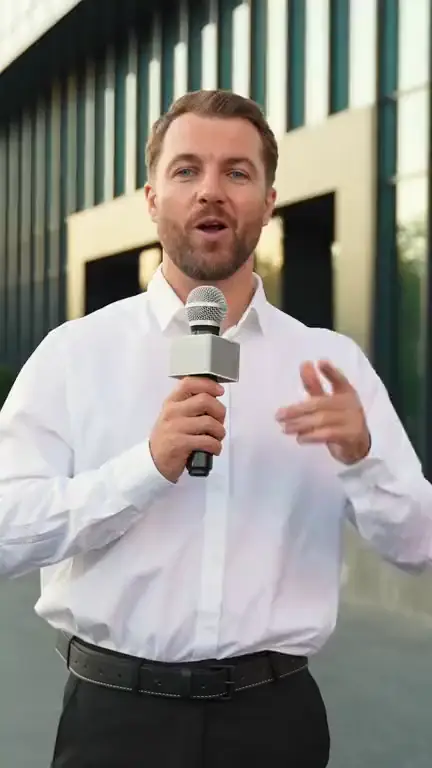
Field reporter
Illustration (stock video), not VimeoClip output · Storyblocks
- Concerts and eventsIllustration
Concerts and events
Illustration (stock video), not VimeoClip output · Storyblocks
From a long landscape video to a vertical clip that stands on its own
VimeoClip reads the whole transcript, anchors each clip’s start and end to spoken lines, prefers to cut at the end of a sentence, then reframes to vertical. The pictures below illustrate the reframing step with stock video; they are not VimeoClip output.
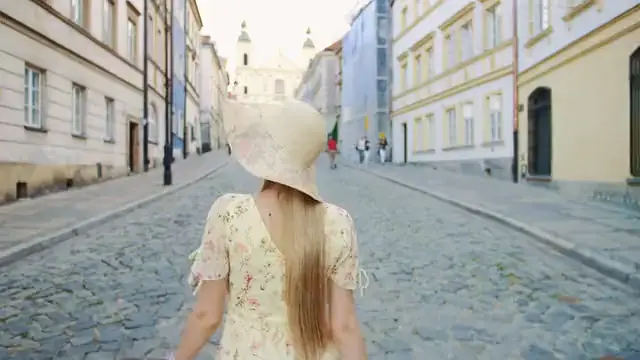
[ 16:9 → 9:16 ]
Illustration (stock video), not VimeoClip output · Storyblocks
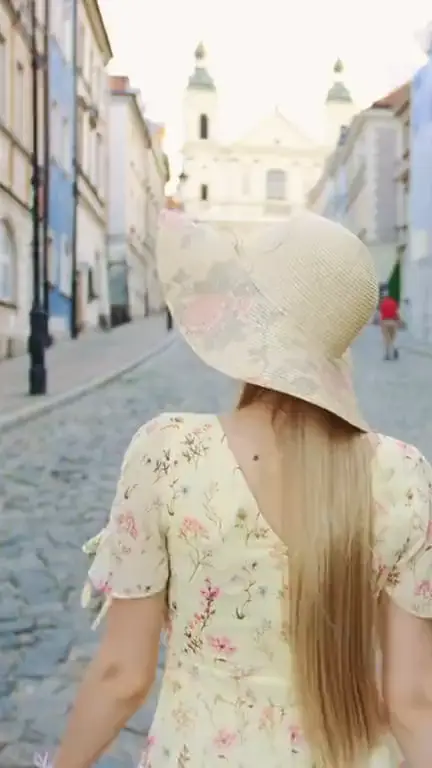
Layout illustration made from stock video · Illustration (stock video), not VimeoClip output · Storyblocks
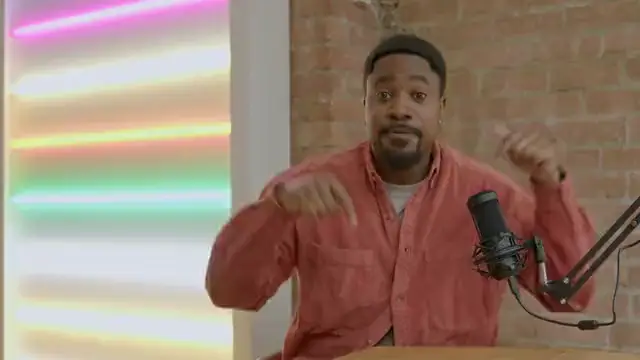
[ 16:9 → 9:16 ]
Illustration (stock video), not VimeoClip output · Storyblocks
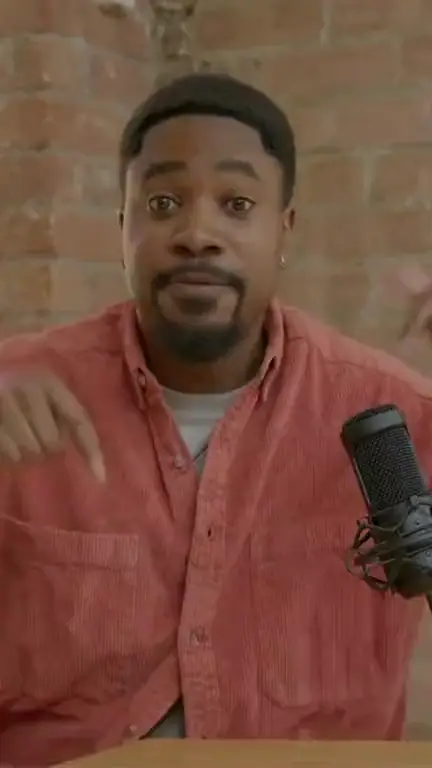
Layout illustration made from stock video · Illustration (stock video), not VimeoClip output · Storyblocks
- Transcribe word by word
- Pick complete thoughts
- Reframe to vertical, add captions
Layout illustration made from stock video: the vertical frame on the right is cropped from the landscape video on the left. This example did not go through VimeoClip’s selection or captions.
See why each moment was kept
Every run records the fields below for each clip. Fixing a cut before export uses the editor, which an admin enables.
02:08[So yeah, AKA problem is those scripts run on the main thread,opening quote
02:11so it's subject to JavaScript can even be busy while it's trying
02:14to do that and it can't handle all the work.]ends at a sentence end
- Opening and closing quote
- Anchored to the transcript
- Order
- Strongest first
Illustration of what a run reports. The lines are from a Chrome for Developers podcast (CC BY 3.0); the excerpt was chosen by an editor.
Four ways to frame a vertical clip
Choose a layout before the run, or let Auto decide between a normal crop, a split and a screen layout. The frames below are layout illustrations made from stock video.
Fill. A vertical crop around the speaker that follows the face.
Layout illustration made from stock video · Illustration (stock video), not VimeoClip output · Storyblocks
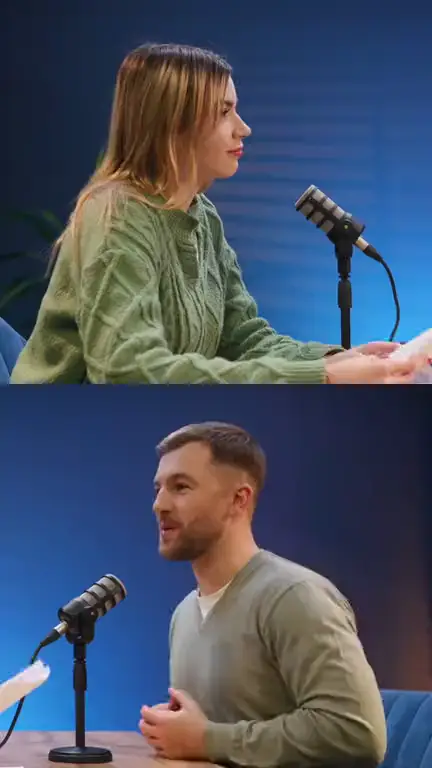
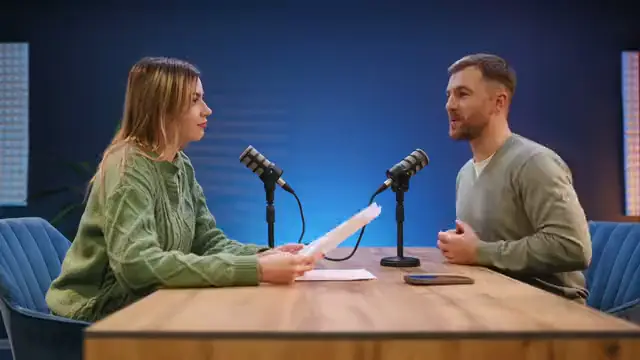
Split. Two people in the same shot, stacked one above the other.
Layout illustration made from stock video · Illustration (stock video), not VimeoClip output · Storyblocks
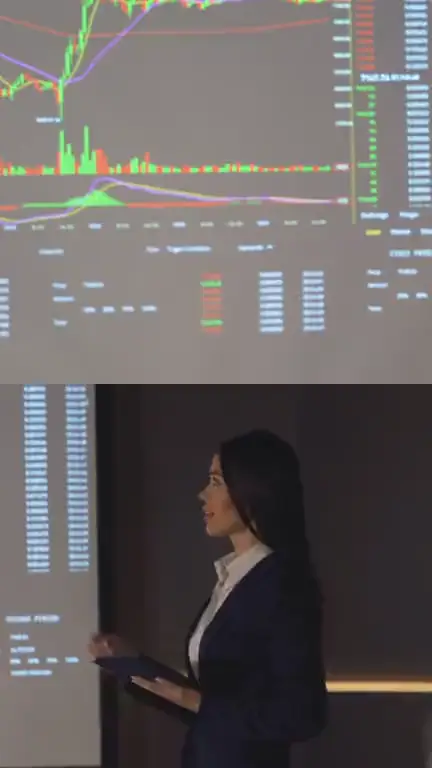
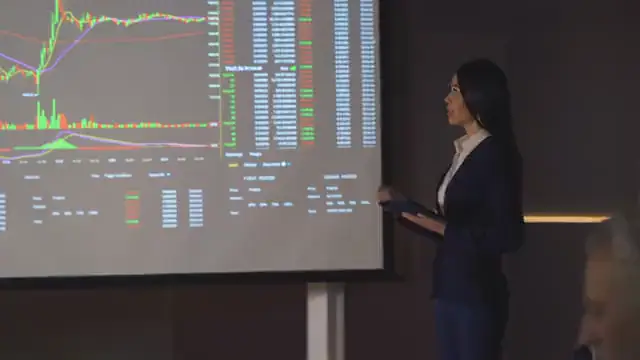
Screen + camera. The screen on top, the presenter below.
Layout illustration made from stock video · Illustration (stock video), not VimeoClip output · Storyblocks
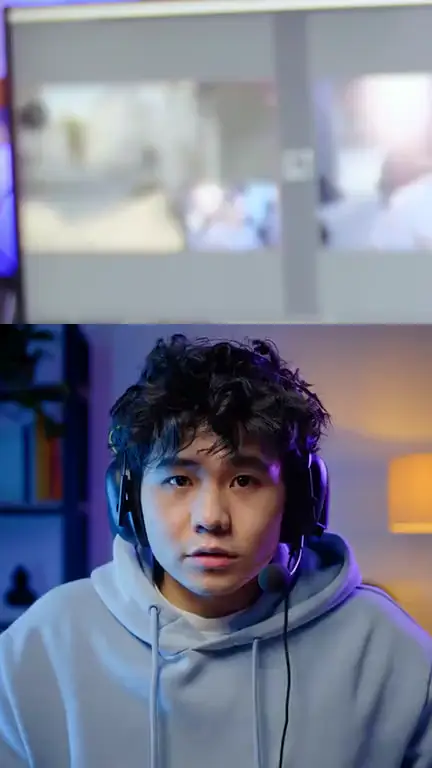
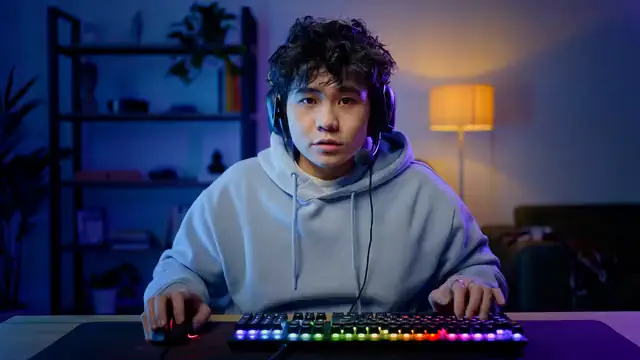
Facecam inset. Full-width screen with the webcam corner enlarged below, for streams and games.
Layout illustration made from stock video · Illustration (stock video), not VimeoClip output · Storyblocks. Combines two separate stock clips: the screen comes from one, the camera window is cropped from the video beside it.
16 caption styles, timed to each word
Pick the type, your brand colours and emoji. Captions can be translated and are burned into the export.
- TodayBold yellow
- TodayKaraoke green
- TodayLime pop
- TodayAuto contrast
- TodayRed pill
- TodayPink pill
- TodayRed pop
- TodayGold glow
- TodayNeon green
- TodayCyan glow
- TodayMinimal
- TodayPurple box
- TodayHeavy italic
- TodaySoft box
- TodayPurple bounce
- TodayTeal lead
Caption style previews: sample words set over a stock video frame, not captions VimeoClip transcribed. Illustration (stock video), not VimeoClip output. 15 caption languages, plus auto-detect.
Narration for silent footage
Write the narration; VimeoClip reads it and mixes it into the clip.
See AI ShortsCut away to B-roll
Insert another shot mid-clip while the original audio keeps playing.
See the editorEdit by deleting words
Delete words in the transcript and that stretch leaves the clip.
See the editor- Opening linekept
- “uh, let me see…”deleted → cut from clip
- Main pointkept
- Closing linekept
- MP4download
- SRT · XMLPremiere, DaVinci
- YouTubeschedule
- TikTokschedule
- Instagramschedule
Download, export for your editor, or schedule
Download MP4, export SRT or XML for Premiere and DaVinci, or schedule posts to YouTube, TikTok and Instagram.
See publishingWhat these need
- Narration is enabled by an admin.
- Dubbing in 31 languages needs an ElevenLabs key and an admin to enable it.
- Stock B-roll needs a Pexels key; the editor and B-roll are enabled by an admin.
- Scheduling needs an Upload-Post key, covers YouTube, TikTok and Instagram only, and is enabled by an admin.
For agents and automation
A REST API, HMAC-signed webhooks, n8n templates and an MCP server with 8 tools, calling the same API the interface uses.
process_videosend a link, create a jobcreate_uploadget a slot to upload a fileget_job_statusfollow progresslist_clipsread ranked clipsrecut_clipmove the start and endadd_subtitlesadd captionspublish_clippost to social mediaget_quotacheck your limit
Common questions
See all questionsVimeoClip turns long videos into short clips. It transcribes the speech, picks moments, cuts them, rebuilds the frame and adds captions. You review the results before you download or post them.
Paste a YouTube link, upload a file, or paste a public link that yt-dlp can read. Private, removed or members-only videos cannot be fetched from a link. Uploads are limited to 2 GB by default, and an admin can change that.
You choose automatic or a setting from 3 to 30 clips. You may get fewer when the video lacks enough moments that pass the checks. Clip length runs from under 30 seconds to 15 minutes, and the default is Auto, 0 to 3 minutes.
The system prefers to cut at the end of a sentence, using punctuation and pauses in the speech. That does not hold every time. A clip with an uncertain cut loses points and shows a warning on its card.
Yes. The Editor lets you delete words in the transcript to cut, and add text, B-roll, music and transitions. The Editor is enabled by an admin. Stock B-roll needs a Pexels key.
The score sets your review order, with the strongest clip first. It does not predict views. When a whole video is weak, the job says so in one line. If no moment stands alone, the job ends with no clips and the credits are returned.
Paste the link to your latest long video
Create an account and paste a link. Nothing to install.
Illustration (stock video), not VimeoClip output · Storyblocks