
Edit a clip like you edit text
Delete a sentence in the transcript and the matching footage goes with it. Then change the layout, add text, B-roll or music, and export.
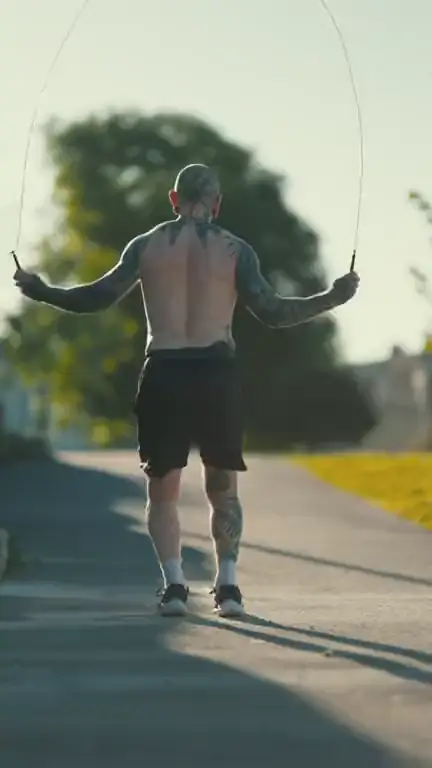
Four ways to frame a vertical clip
Choose a layout before the run, or let Auto decide between a normal crop, a split and a screen layout. The frames below are layout illustrations made from stock video.
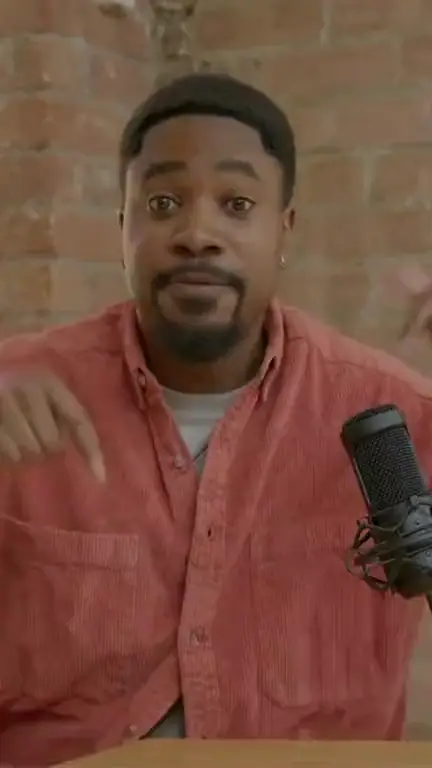
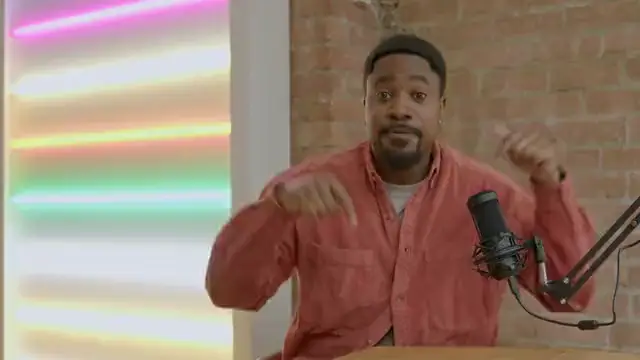
Fill. A vertical crop around the speaker that follows the face.
Layout illustration made from stock video · Illustration (stock video), not VimeoClip output · Storyblocks
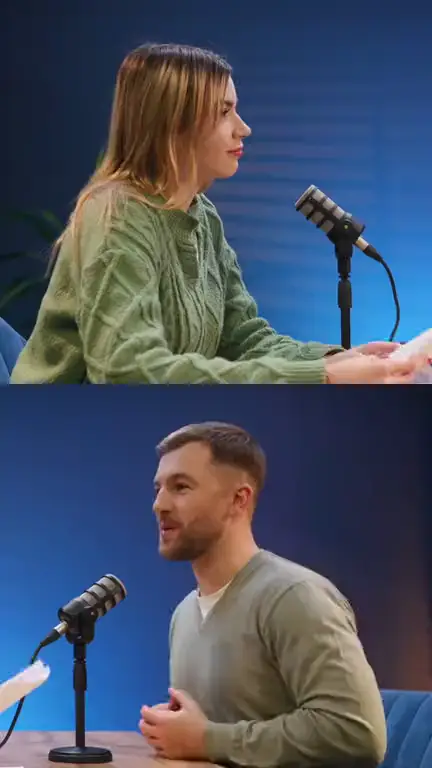

Split. Two people in the same shot, stacked one above the other.
Layout illustration made from stock video · Illustration (stock video), not VimeoClip output · Storyblocks
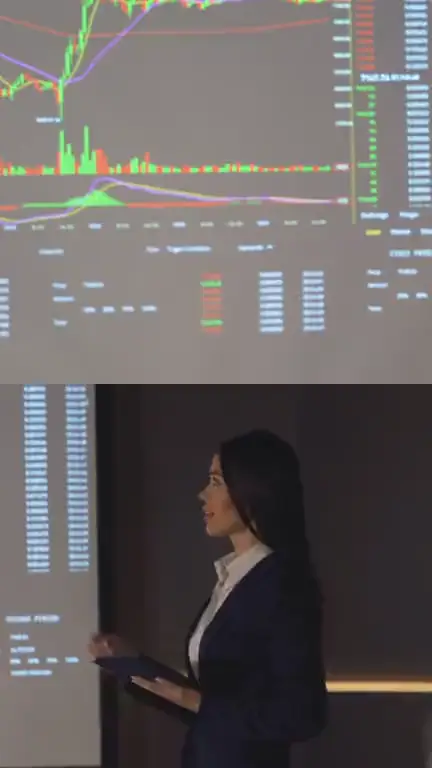
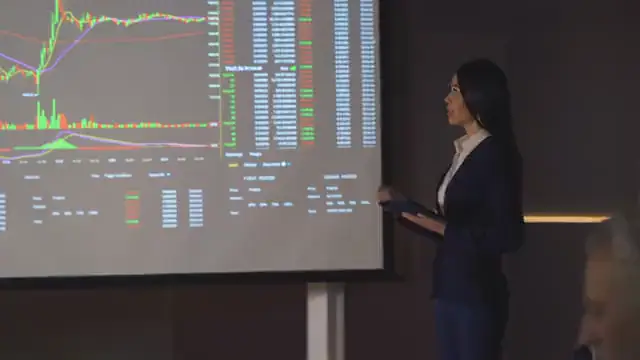
Screen + camera. The screen on top, the presenter below.
Layout illustration made from stock video · Illustration (stock video), not VimeoClip output · Storyblocks
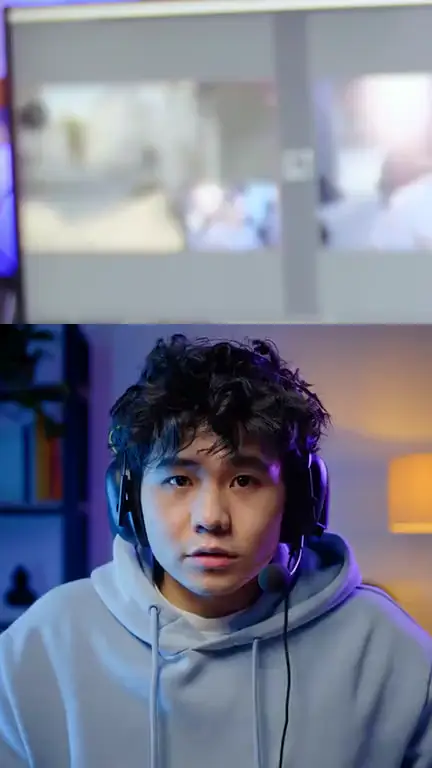

Facecam inset. Full-width screen with the webcam corner enlarged below, for streams and games.
Layout illustration made from stock video · Illustration (stock video), not VimeoClip output · Storyblocks. Combines two separate stock clips: the screen comes from one, the camera window is cropped from the video beside it.
The right layout for each kind of shot
Follow the speaker
MediaPipe and YOLOv8 track faces, and the frame moves slowly inside a safe zone so it does not jitter.
Two people in frame
Stacks two halves when both people appear in the same shot. Captions sit on the seam between them.
Screens and slides
Keeps the content readable instead of cropping the sides, and places the speaker in what is left when there is room.
Already vertical
A vertical source passes straight through and is not reframed.
Tools in the editor
| Tool | What it does |
|---|---|
| Transcript | Delete words to cut, move the start and end |
| Text and captions | Add text, change caption style, download an SRT file |
| B-roll | Insert cutaways; the Pexels library needs a Pexels key |
| Music and transitions | Add background music and transitions |
| Export | MP4, or an XML bundle with SRT for Premiere Pro and DaVinci Resolve |
What you need
- An admin enables the editor for each group of accounts
- The Pexels B-roll library needs a Pexels key