
Captions
Word-by-word captions with your choice of look and keyword highlight colour.
See captionsGive it a podcast episode with video. VimeoClip reads everything said, suggests moments with a clear start and finish, and rebuilds them for a vertical frame. You watch and choose.
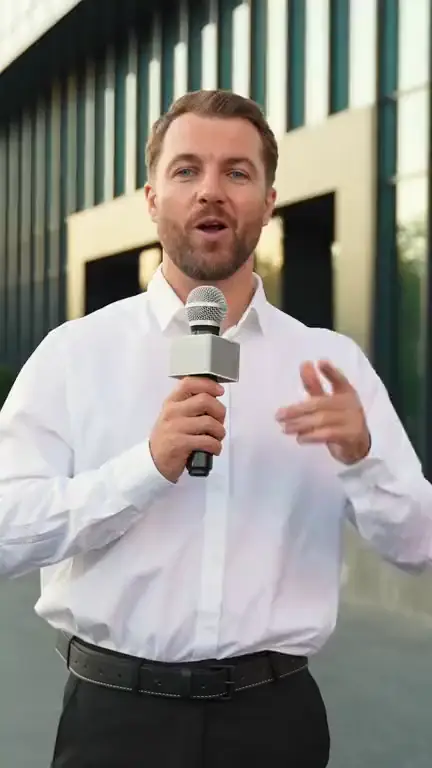
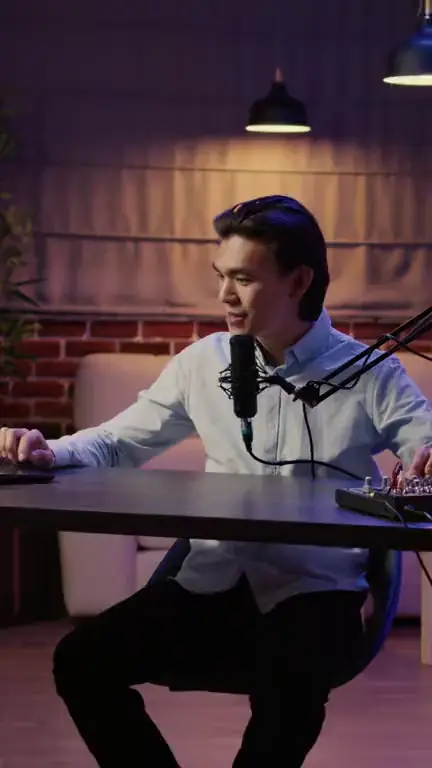
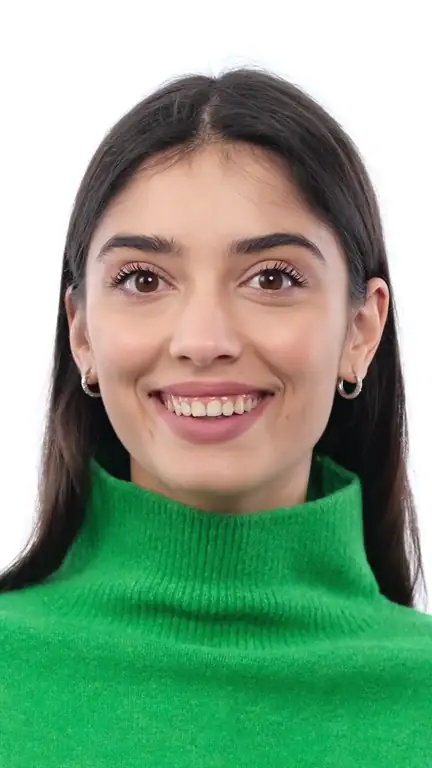
Stock footage from Storyblocks, to show the kinds of video you can bring. These are illustrations, not clips VimeoClip made.
Podcast host at the mic
Illustration (stock video), not VimeoClip output · Storyblocks
Field reporter
Illustration (stock video), not VimeoClip output · Storyblocks
Talking to camera
Illustration (stock video), not VimeoClip output · Storyblocks
The system reads the transcript of the whole episode and looks for passages that stand alone. Cuts favour the end of a sentence, using punctuation and pauses in the speech.
The Split layout stacks two speakers as top and bottom halves. Captions sit on the seam between the halves, where they cover nobody.
The Speaker Cut layout switches the frame to whoever is talking. The two-person interview preset in the dashboard uses it, with one-line captions and a headline for the first three seconds.
If you remember a guest telling a particular story, type a description before running. The AI searches the spoken words, so describe what was actually said.
Word-by-word captions with your choice of look and keyword highlight colour.
See captionsGather the main points into one video, in the order they came up.
See summaryTake a clip into 31 languages for other audiences. Needs an ElevenLabs key.
See dubbingPaste the episode link to start.