
Clipping
How moments are chosen, how cuts land at the end of a sentence and how to ask for a moment.
See how clipping worksPaste the link to a video on your channel. VimeoClip suggests moments that stand alone and builds the vertical frame and captions. You pick the clips and decide when they go out.
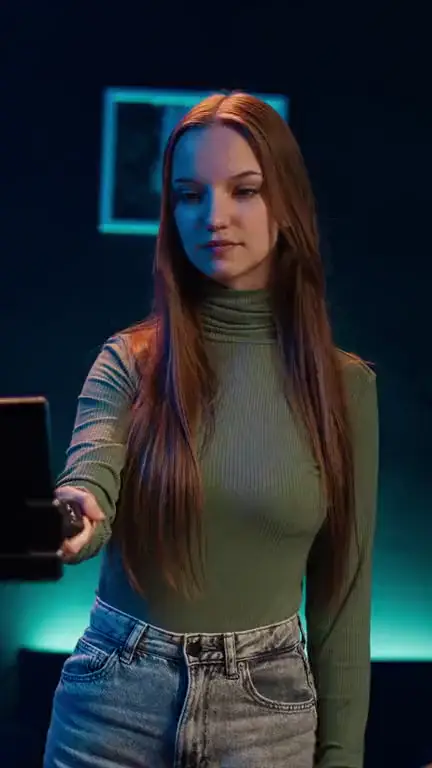

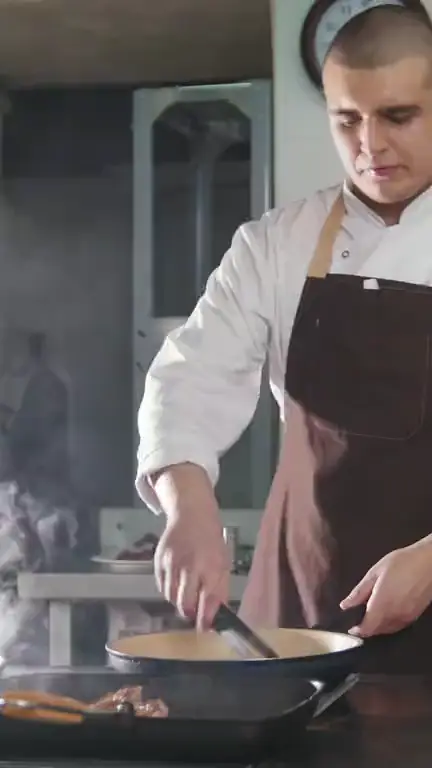
Stock footage from Storyblocks, to show the kinds of video you can bring. These are illustrations, not clips VimeoClip made.
Talking to camera
Illustration (stock video), not VimeoClip output · Storyblocks
Selfie-stick vlog
Illustration (stock video), not VimeoClip output · Storyblocks
Cooking
Illustration (stock video), not VimeoClip output · Storyblocks
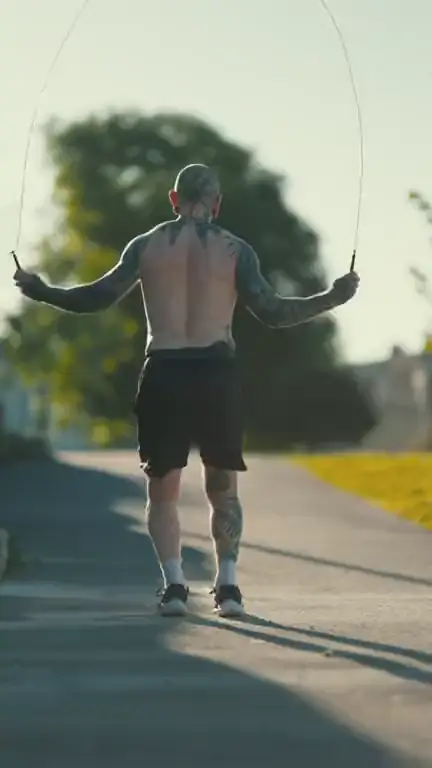
Fitness
Illustration (stock video), not VimeoClip output · Storyblocks
Five steps, and each decision is yours.
You can also upload the original file if you still have it. A video that is already vertical keeps its frame.
Top clips gives you separate clips, from 3 to 30. One video summary joins the main points in order.
Each job uses one ratio: 9:16, 4:5, 1:1 or 16:9. A job with no length set uses about 25–55 seconds for a vlog and about 25–50 seconds for a talk.
The strongest clip comes first, scored on four axes: Hook, Flow, Value, Spread. Scores set your review order and do not predict views. If the whole video is weak, the job says so.
Choose YouTube, TikTok or Instagram and a time. The clip joins the queue and goes out through Upload-Post.
How moments are chosen, how cuts land at the end of a sentence and how to ask for a moment.
See how clipping worksWord-by-word captions, keyword highlight colours and emoji.
See captionsDelete words in the transcript to cut, add B-roll and music. An admin enables the editor.
See the editorPaste a YouTube link to start.